

Description
Download Zemanta – Content Enrichment, Blog Multimedia, Free Firefox Add‑on
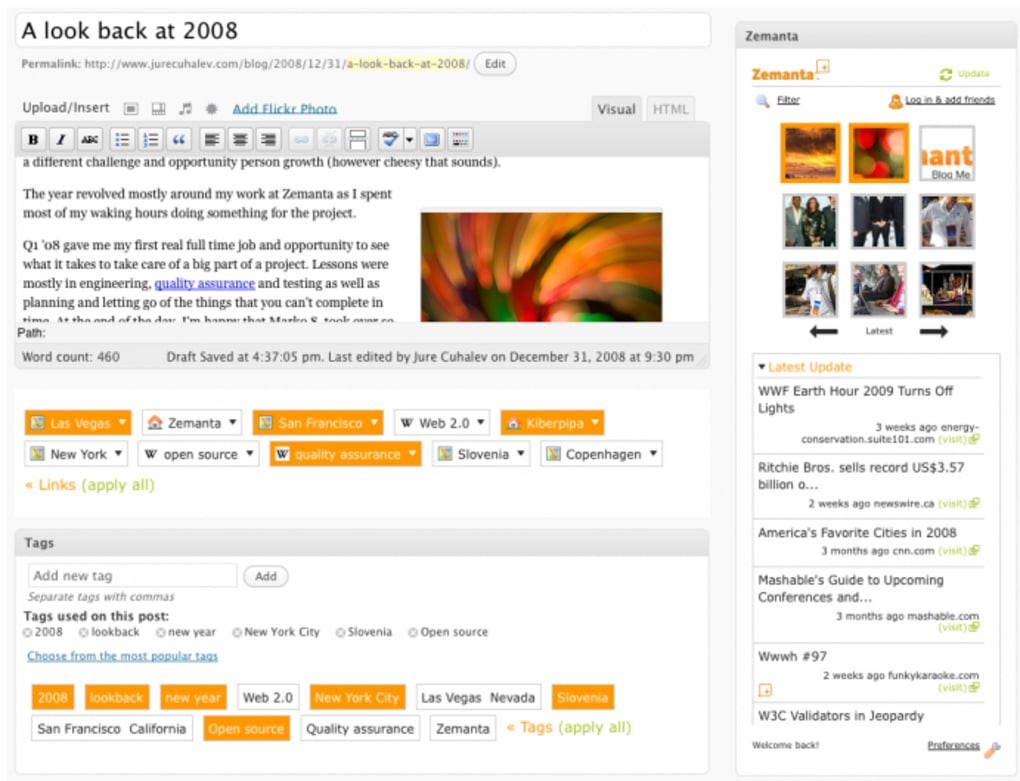
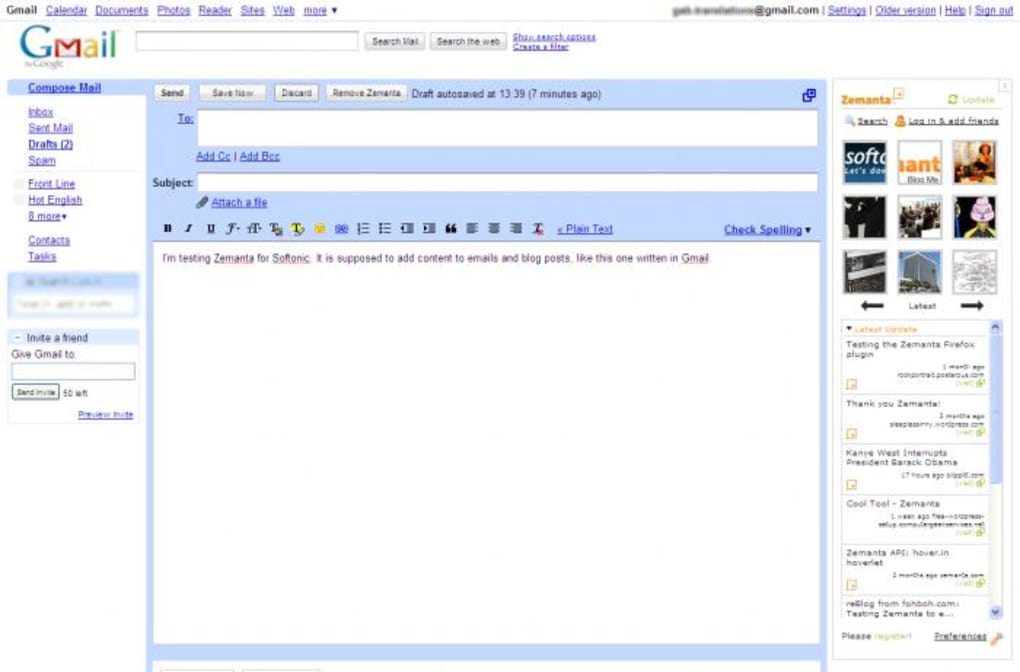
Zemanta is a Firefox add‑on crafted especially for bloggers, email marketers, and anyone who wants to enrich their written content with relevant multimedia. As you type, Zemanta scans the text in real time, pulls images, videos, and article suggestions from over 10,000 reputable media sources, and displays them in a convenient sidebar. The tool can also tap into your Flickr account, surface Creative Commons photos, and push quick sharing links to Twitter and Facebook. While the image suggestions are often spot‑on, the article recommendations sometimes miss the mark, offering a mix of highly relevant pieces and occasional oddball results. Once you find a piece of content you like, a single click inserts it into your post, with images placed to the left or right and articles linked at the bottom. Preferences let you fine‑tune the sidebar, but the formatting options after insertion are limited, and the built‑in tutorials are sparse. For bloggers who constantly chase the perfect visual or need a quick boost of related links, Zemanta promises a faster workflow—provided you’re willing to navigate a few quirks.
Key Features of Zemanta
- Real‑time multimedia suggestions while you write.
- Access to Creative Commons images and personal Flickr libraries.
- Instant insertion of selected content with one click.
- Social‑share shortcuts for Twitter and Facebook.
- Sidebar preferences to control suggestion density and layout.
- Search bar for manual queries across the indexed media pool.
- Support for both images and short article excerpts.
- Automatic citation of source URLs for SEO‑friendly linking.
Installation, Setup, and Compatibility
Getting Zemanta up and running is straightforward. Open Firefox, navigate to the official Add‑ons page, and click “Add to Firefox.” The download completes in seconds, and a confirmation dialog asks for permission to access your browsing data—necessary for the real‑time scanning feature. After acceptance, a small Zemanta icon appears on the toolbar; clicking it slides open the sidebar.
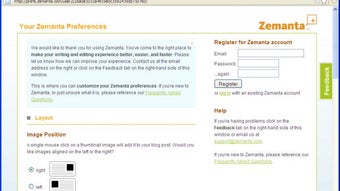
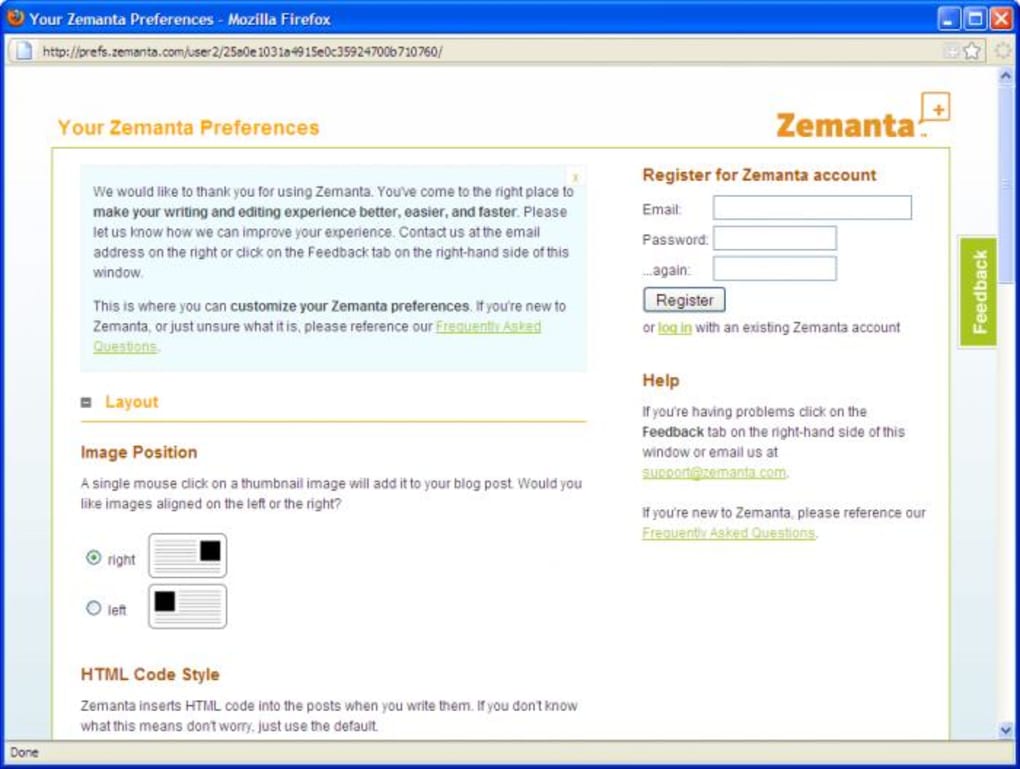
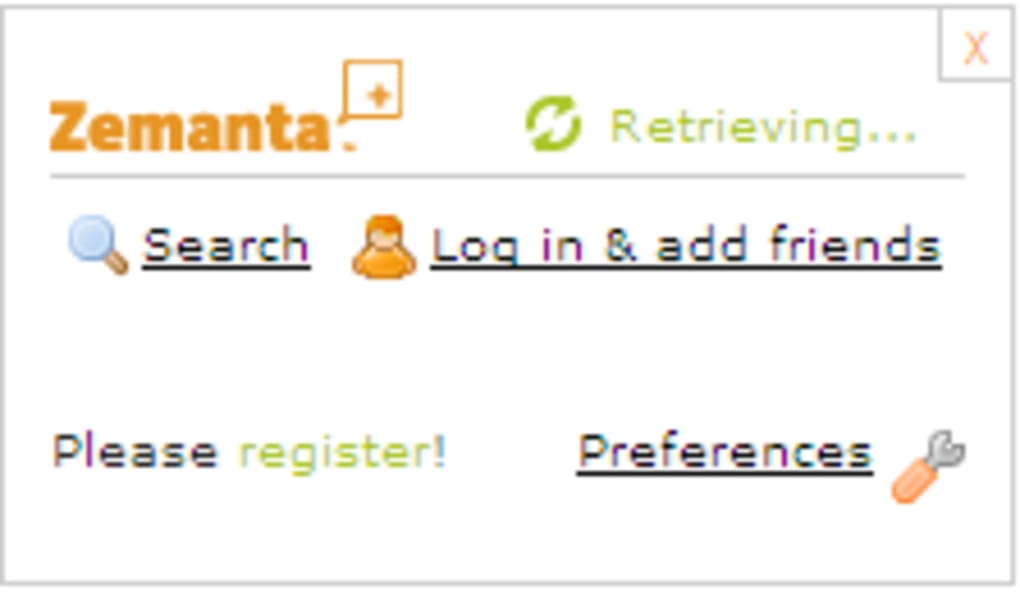
During the first launch, Zemanta walks you through a quick preferences wizard. You can link a Flickr account, choose whether to display image suggestions on the left or right, and set the default number of results per query. The wizard also asks if you want automatic social‑share buttons added to each post, which can be toggled later in the settings.
Because Zemanta is a Firefox extension, its compatibility hinges on the browser rather than the underlying operating system. It works on any platform that supports the latest Firefox release—including Windows 10/11, macOS Big Sur and later, and popular Linux distributions such as Ubuntu and Fedora. The add‑on requires Firefox version 78 or newer; older versions may experience stability issues or missing features.
After installation, simply start typing a blog post or email in the Firefox editor. Zemanta will begin suggesting relevant images and articles within seconds, allowing you to enrich your content without leaving the page.
Pros, Cons, Frequently Asked Questions, and Final Verdict
Pros
- Fast, real‑time suggestions keep the writing flow uninterrupted.
- High‑quality Creative Commons images reduce the need for external stock sites.
- One‑click insertion saves time compared to manual searching.
- Social‑share integration encourages immediate promotion of new posts.
- Works on all major operating systems via Firefox.
Cons
- Article suggestions can be hit‑or‑miss, sometimes returning loosely related content.
- Formatting of inserted media is limited; additional styling often requires manual edits.
- Built‑in tutorials are brief and may not help new users fully understand the workflow.
- Requires an active internet connection for every suggestion.
- Only available for Firefox; Chrome users must look for alternatives.
Is Zemanta completely free?
Yes, Zemanta is offered as a free Firefox add‑on. All core features—including image suggestions, Flickr integration, and social‑share shortcuts—are available at no cost.
Can I use Zemanta with other browsers?
Currently Zemanta is built exclusively for Firefox. The development team has not released versions for Chrome, Edge, or Safari.
How does Zemanta handle copyright for images?
Zemanta primarily surfaces Creative Commons‑licensed images and respects the licensing terms shown on each preview. It also pulls from your personal Flickr library, where you already control the rights.
Will Zemanta slow down my browser?
The add‑on runs lightweight background scripts. On modern machines it has a negligible impact, but older computers may notice a slight slowdown when many suggestions are generated simultaneously.
Can I customize the look of inserted images?
After insertion, images adopt the default styling of your blog theme. You can manually edit the HTML or CSS to change alignment, size, or captions, but Zemanta itself does not provide an in‑app visual editor.
Final Verdict
If you spend a lot of time hunting for the perfect picture or a quick link to support your arguments, Zemanta can shave minutes—or even hours—off your workflow. Its real‑time suggestions and seamless Flickr integration make it a solid ally for visual‑heavy bloggers. However, the occasional off‑target article recommendations and limited post‑insertion formatting mean you’ll still need to do some manual tweaking. For Firefox power users who value speed over perfection, Zemanta is a worthy addition to the toolbox. Download it today, give the sidebar a spin, and decide whether the time saved outweighs the need for occasional manual edits.
Guides & Tutorials for Zemanta
How to install Zemanta
- Click the Preview / Download button above.
- Once redirected, accept the terms and click Install.
- Wait for the Zemanta download to finish on your device.
How to use Zemanta
This software is primarily used for its core features described above. Open the app after installation to explore its capabilities.
User Reviews for Zemanta 0
No reviews found





